1
Identify what must stay
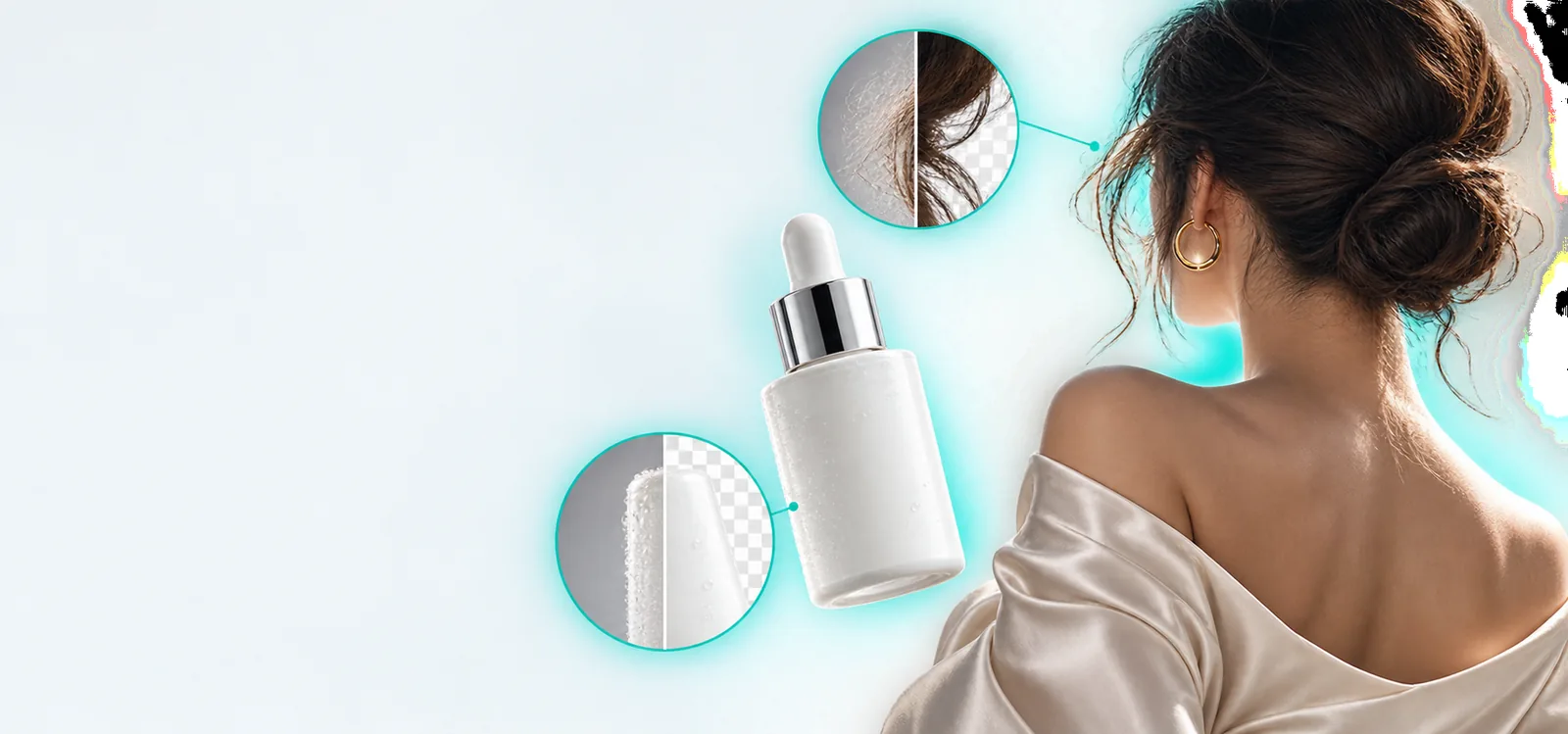
Choose the subject and the details that define it, such as a product label, a person's face, or the outline of a chair. In your description, say what should remain unchanged before naming the distraction. This helps distinguish a local cleanup from a request to remake the whole picture.
2
Describe the change and its surroundings
Name the unwanted element and explain what should appear behind it. A request to remove an object is clearer when it also mentions nearby texture, lighting, and shadows. If you want a new setting instead, describe the desired scene rather than treating it as a minor repair.
3
Inspect the result at normal size and close up
First check whether the overall image still reads naturally. Then look for repeated patterns, broken lines, soft halos, and mismatched shadows around the edited area. Revise the description if the important subject changed or the replacement area looks out of place.