1
Start with a suitable source
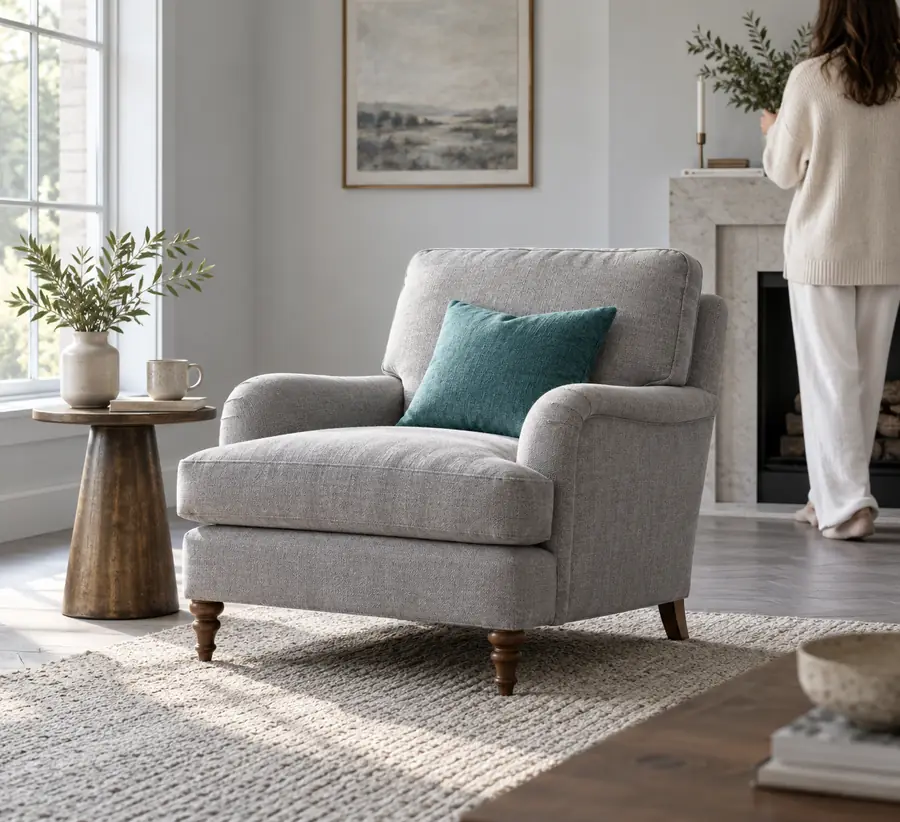
Choose a photo you have permission to edit and keep an untouched copy. Prefer a sharp image with the subject clearly visible. Before opening any editor, write down what should change and what must stay: for example, replace the room behind a chair while preserving its legs, fabric texture, and proportions.
2
Describe one focused change
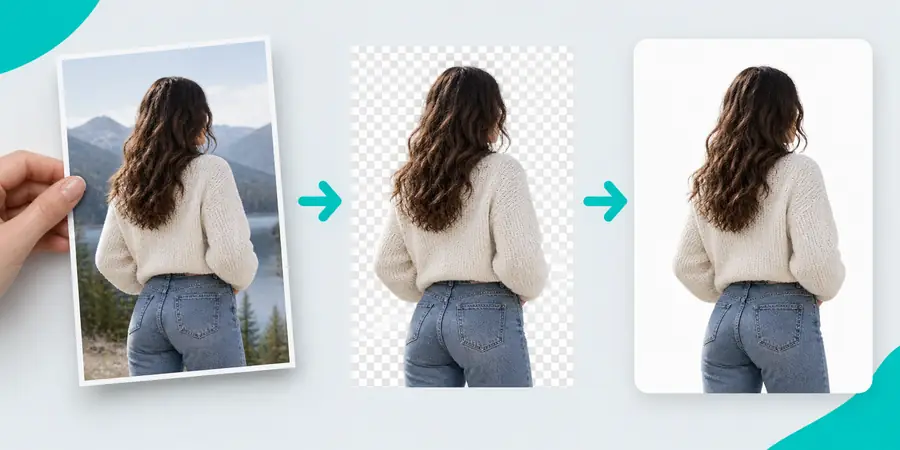
In the available photo workflow, supply the image or describe the desired composition as the interface allows. Name the subject, the area to change, and the intended result in plain language. If you are removing a distraction, identify it precisely; avoid broad instructions that might change the main subject. Review the tool’s controls before assuming it supports uploads, masking, or a particular output format.
3
Compare the result with the original
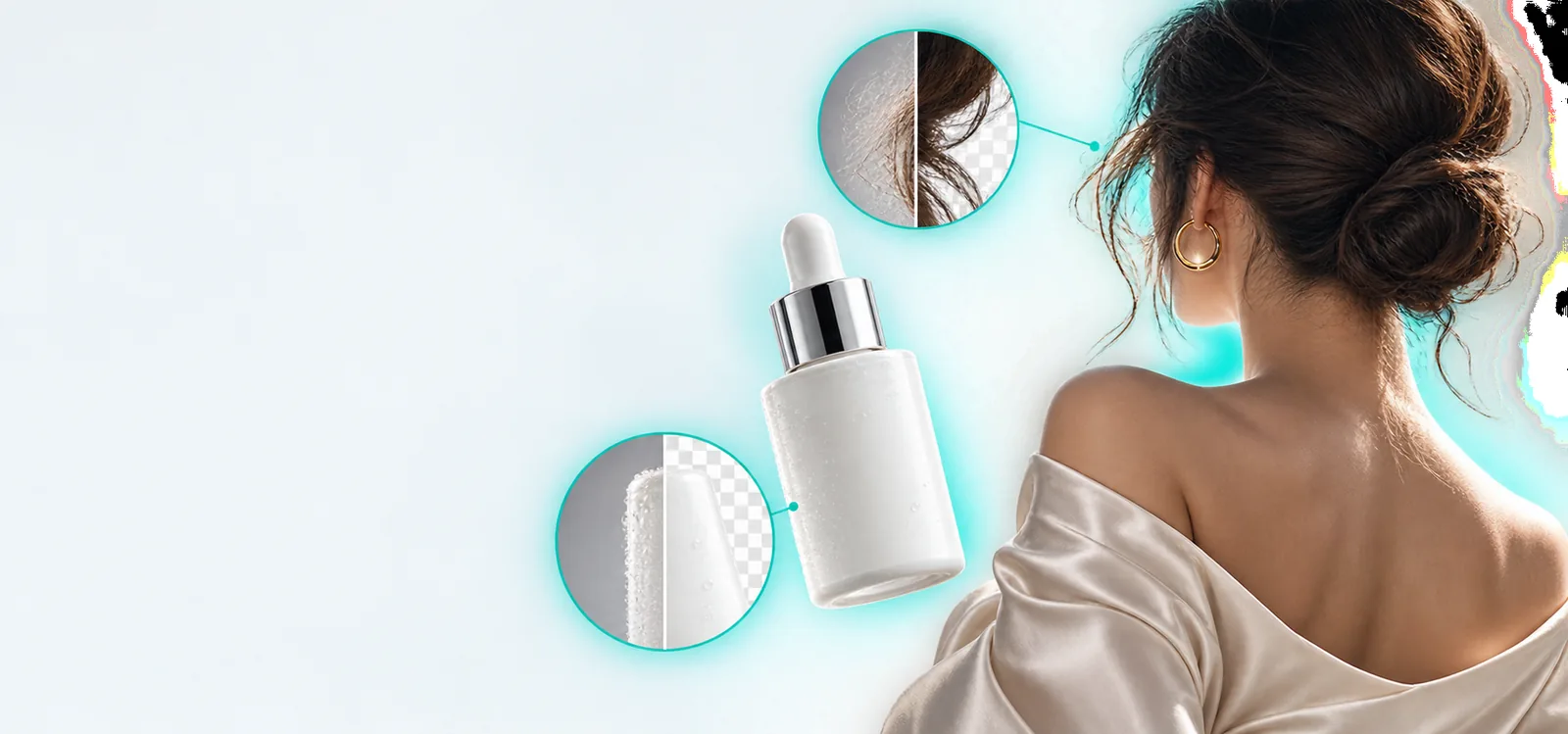
Inspect the full image, then look closely at fine edges, reflections, shadows, and repeated textures. Ask whether any important detail disappeared or a new detail was invented. If the result misses the brief, narrow the request or use a manual editor for local corrections. Keep the original available so you can reverse course rather than building further edits on an inaccurate draft.